XPU Robot · Physical AI on the edge
Pick a block. A real robot arm taps it.
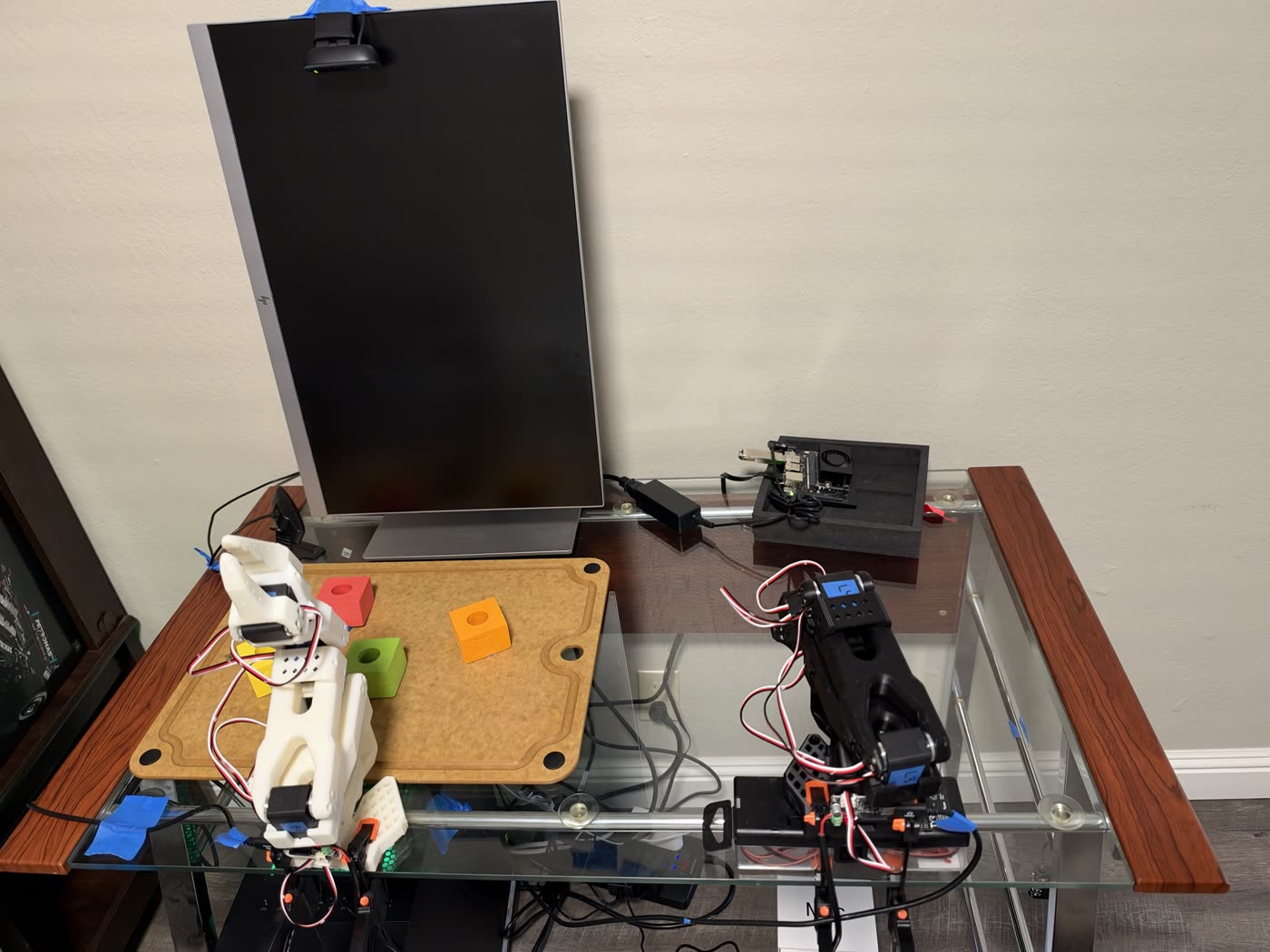
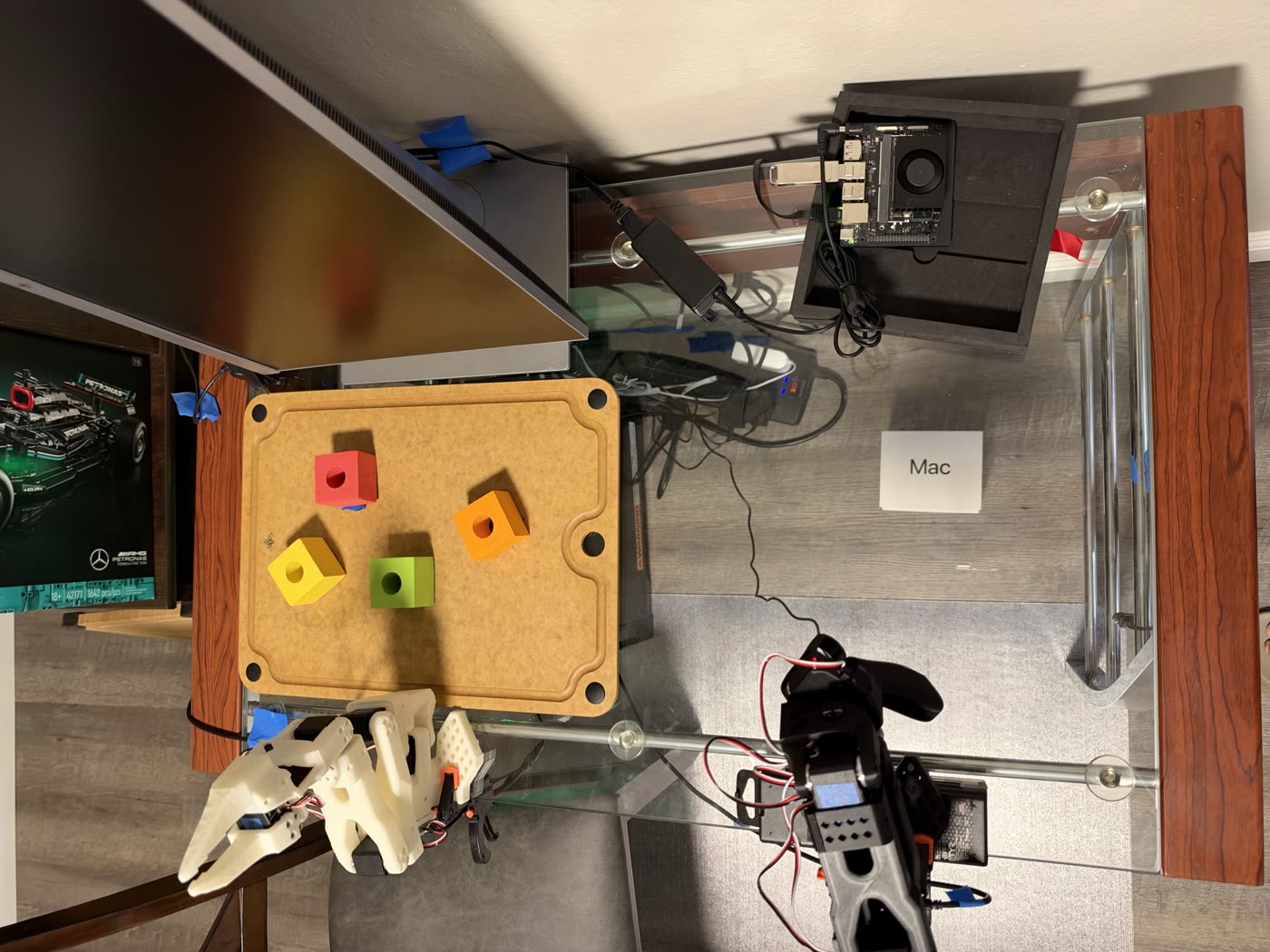
Not a video, not a simulation: a robot arm on our table, a camera above its mat, and an edge machine that sees, plans and moves. You pick the color, a vision model finds the block, and the arm reaches over and touches it. No cloud.
Play with the arm
Free · 10 minutes or 4 taps · live camera
Checking the arm…
- SeeThe camera above the mat sends its picture to the edge machine.
- FindThe eyes you chose look for “the red block” (or your color) on the processor you chose. The load it put on the hardware shows after the tap.
- PlanThe arm was shown five spots on the mat. Where your block sits in the picture says how to mix those five arm poses.
- MoveThe arm goes above the block, comes down and touches it with its closed gripper, then folds up again.
Which block should it tap?
These are the blocks the camera sees on the mat right now.
Each visitor gets a turn of 10 minutes or 4 taps, whichever comes first, with the arm’s live camera. After that, the next turn is an hour later.
The eyes what finds your block, and on which processor
The setup
Everything happens on this one table: the camera, the arms, the edge machine and the Jetson.